 TimeLeft
See how much time you have left.
Your day, week, month, and year, counting down on your phone.
Does this sound like you?
“I sit down to get a few things done, and next thing I know it’s dark out and I’m wondering where the whole day went.”

“Every morning I write a to-do list, and every night most of it is still there. I always think I have more time than I do.”

“Deadlines always sneak up on me. It feels like it’s two weeks away, and then suddenly it’s tomorrow.”

“I set big goals every January. By March I honestly can’t remember what half of them were.”

“Working from home, there’s nothing that tells me the day is over. I just keep going until I’m exhausted.”

“I’ve tried alarms and reminders, but after a while they just stress me out and I start ignoring them.”

“I’ll pick up my phone for one minute and lose the whole evening. Then I go to bed feeling like I wasted the day.”

“The weeks go by so fast lately. It’s Monday, I blink, and it’s Friday again.”

“By the time the kids are asleep I finally have some time for myself, and I’m too tired to do anything with it.”

Stop losing track of time
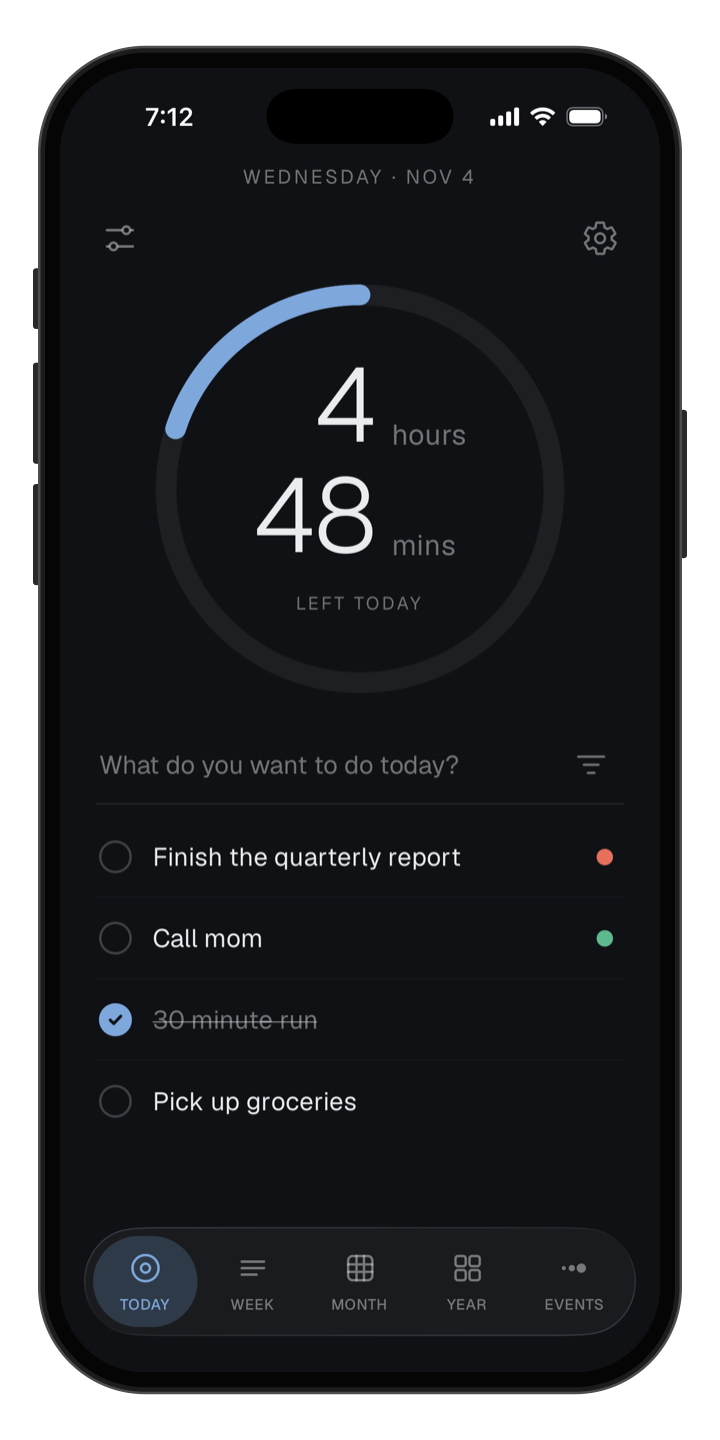
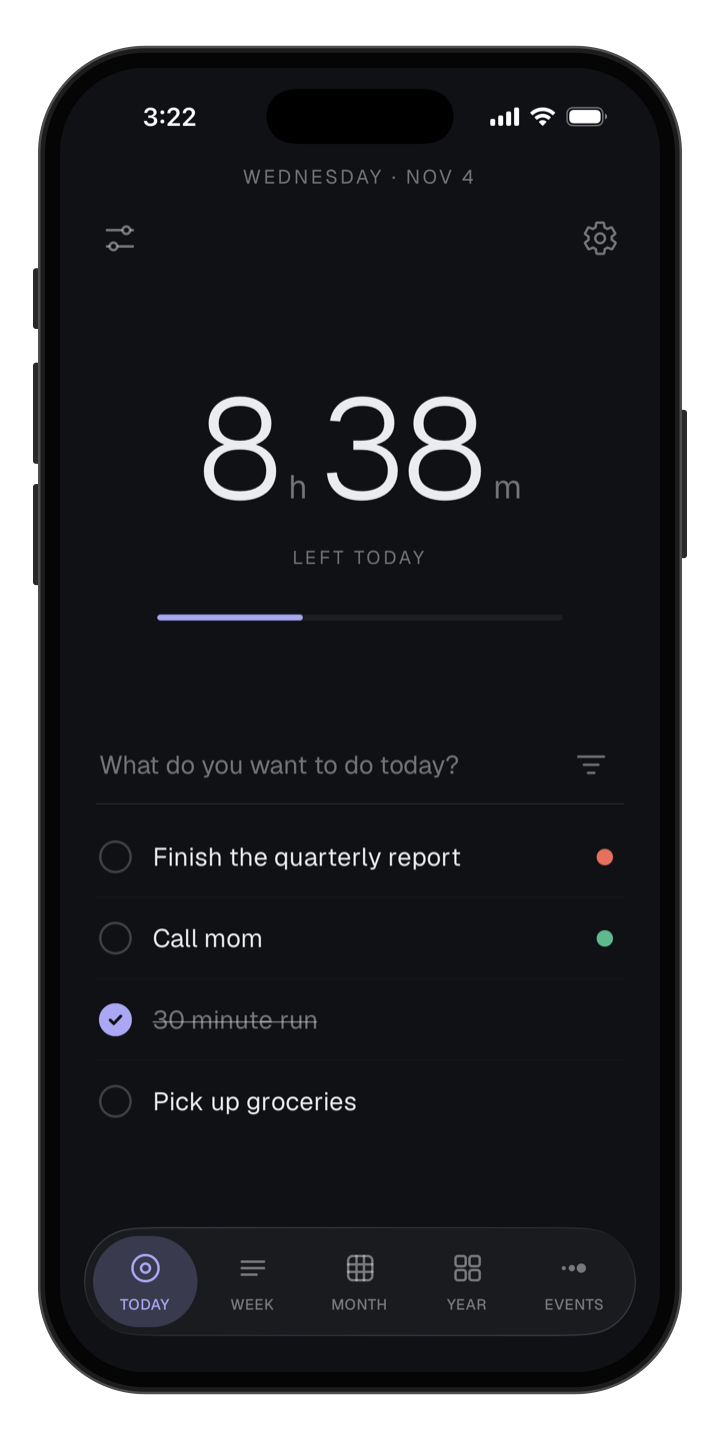
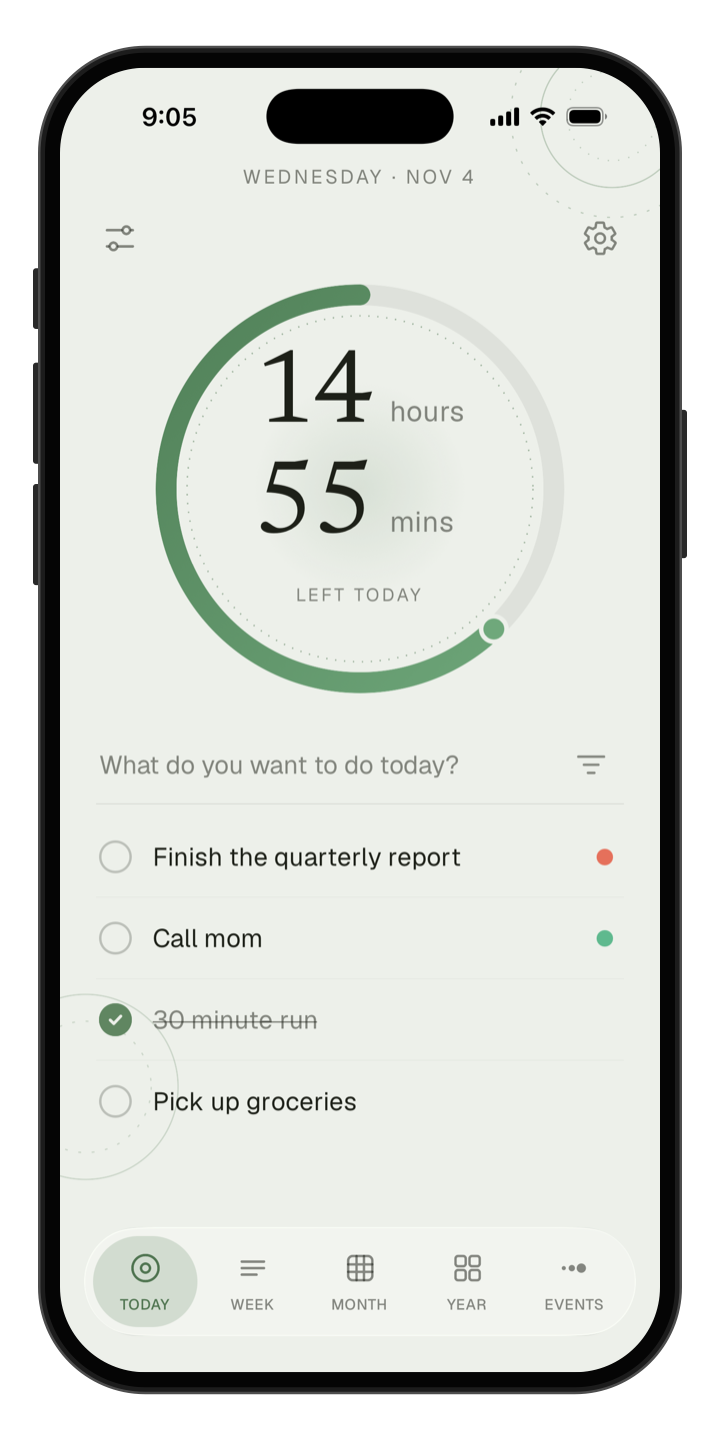
TimeLeft shows exactly how much of your day is left, in hours and minutes, so you never have to guess.
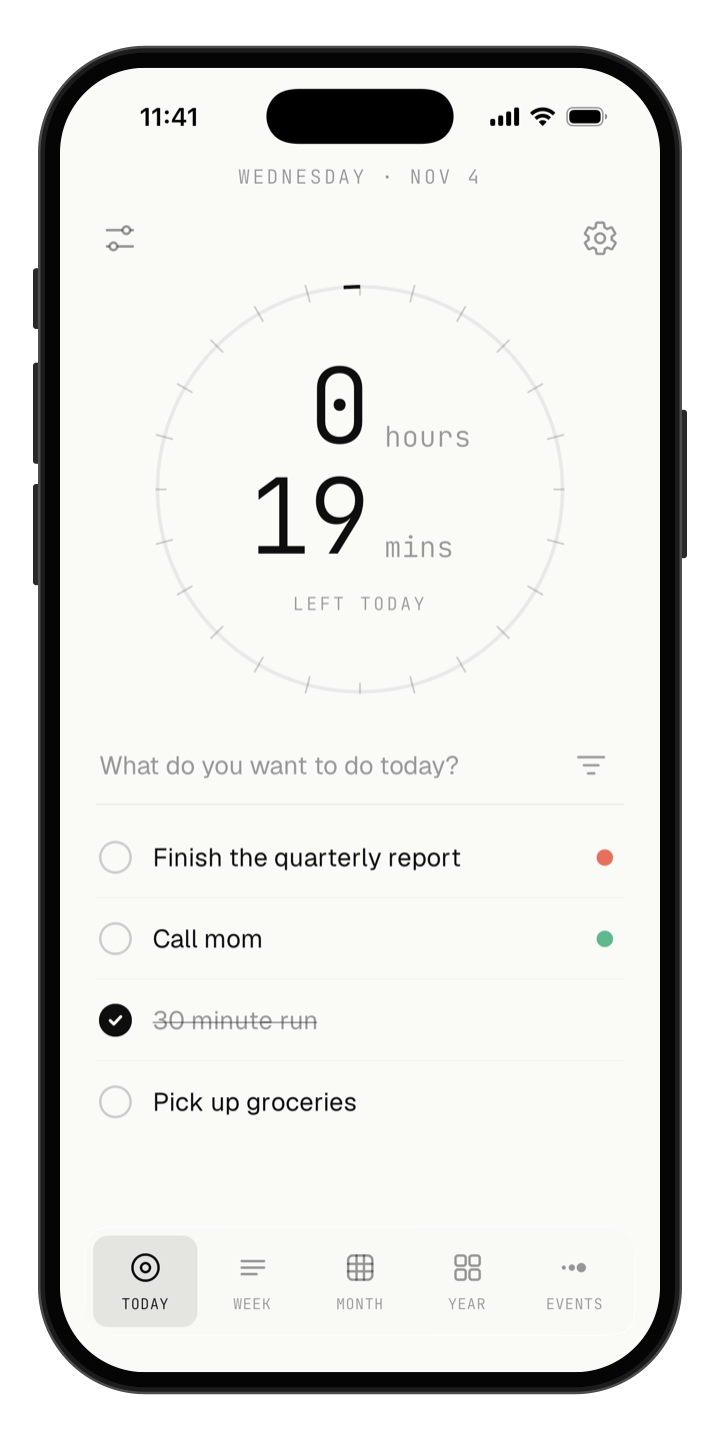
See time in a way that clicks for you
Show time in hours, days, weeks, or percent, as a ring, a bar, or dots. Pick whatever your brain understands fastest.
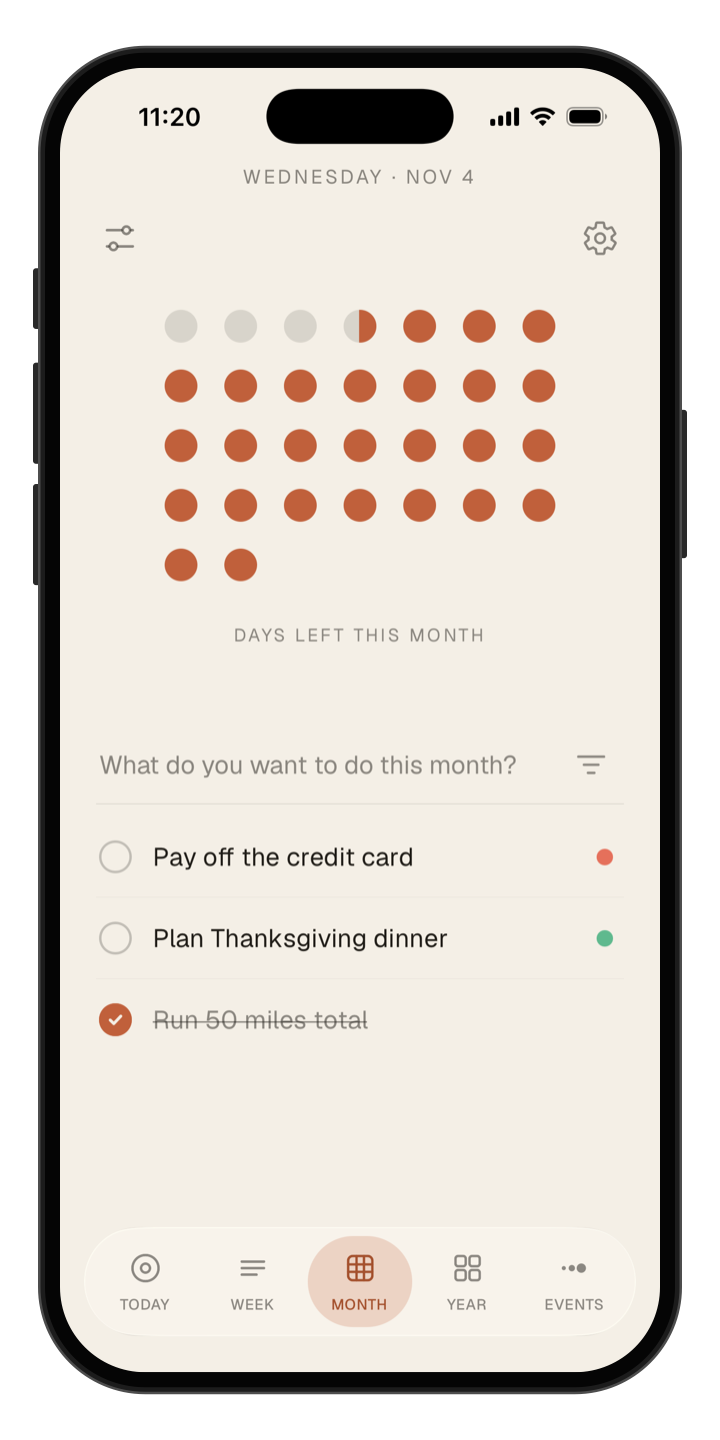
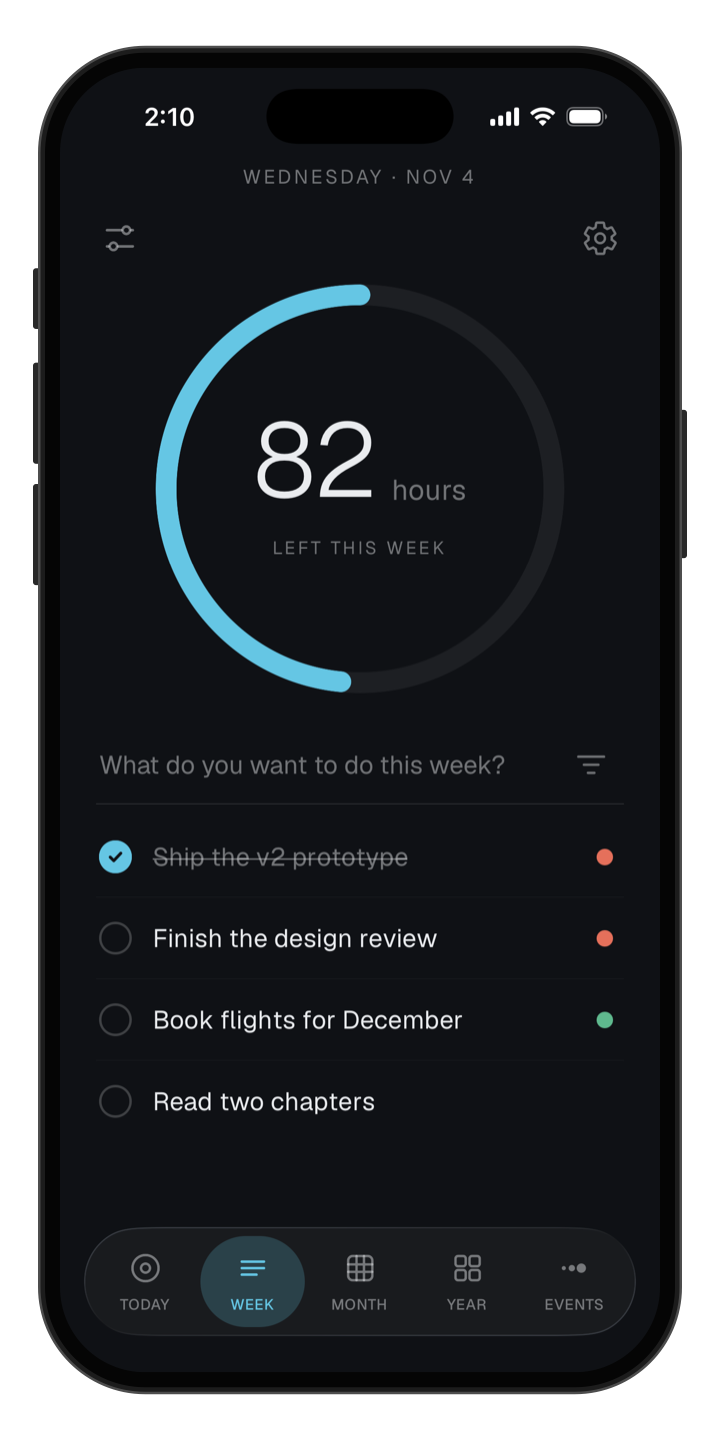
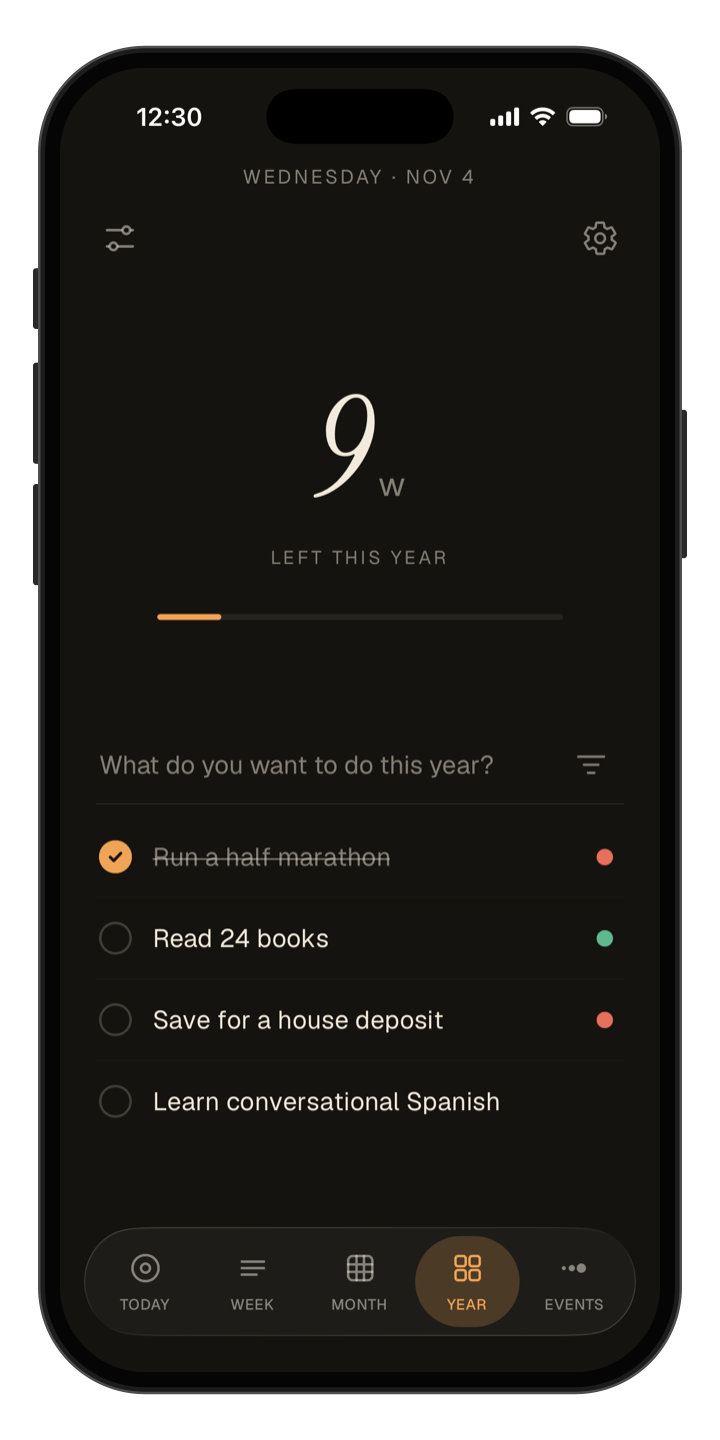
Get your to-dos done before the day runs out
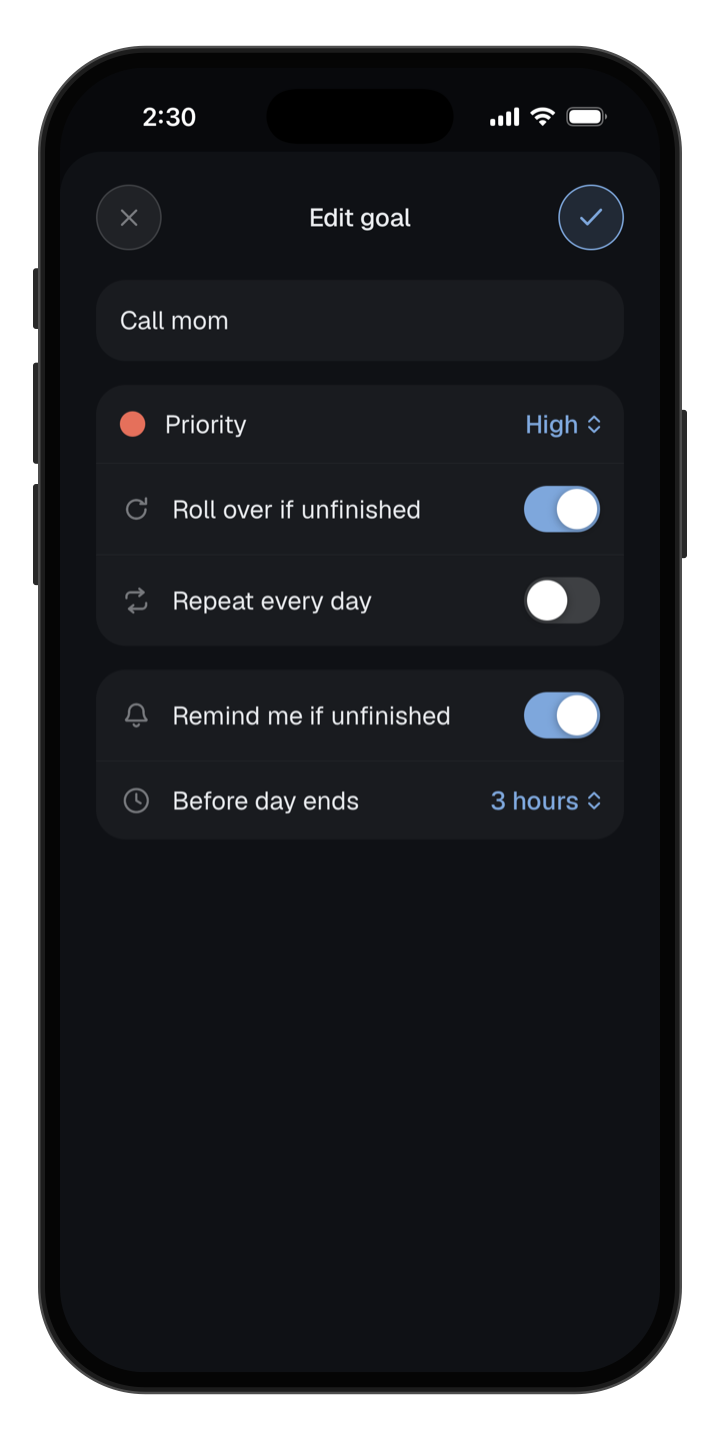
Add today’s goals right under your countdown, and mark what matters most so it gets done first.
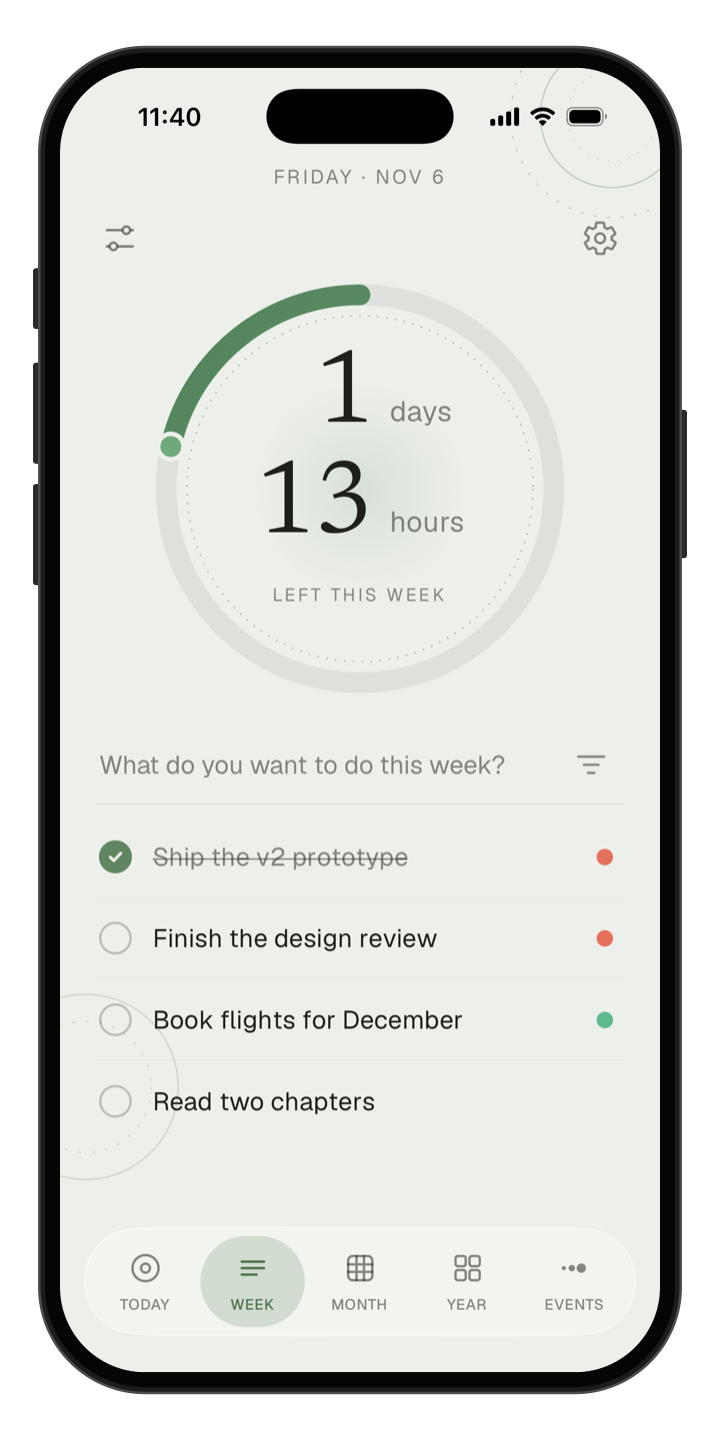
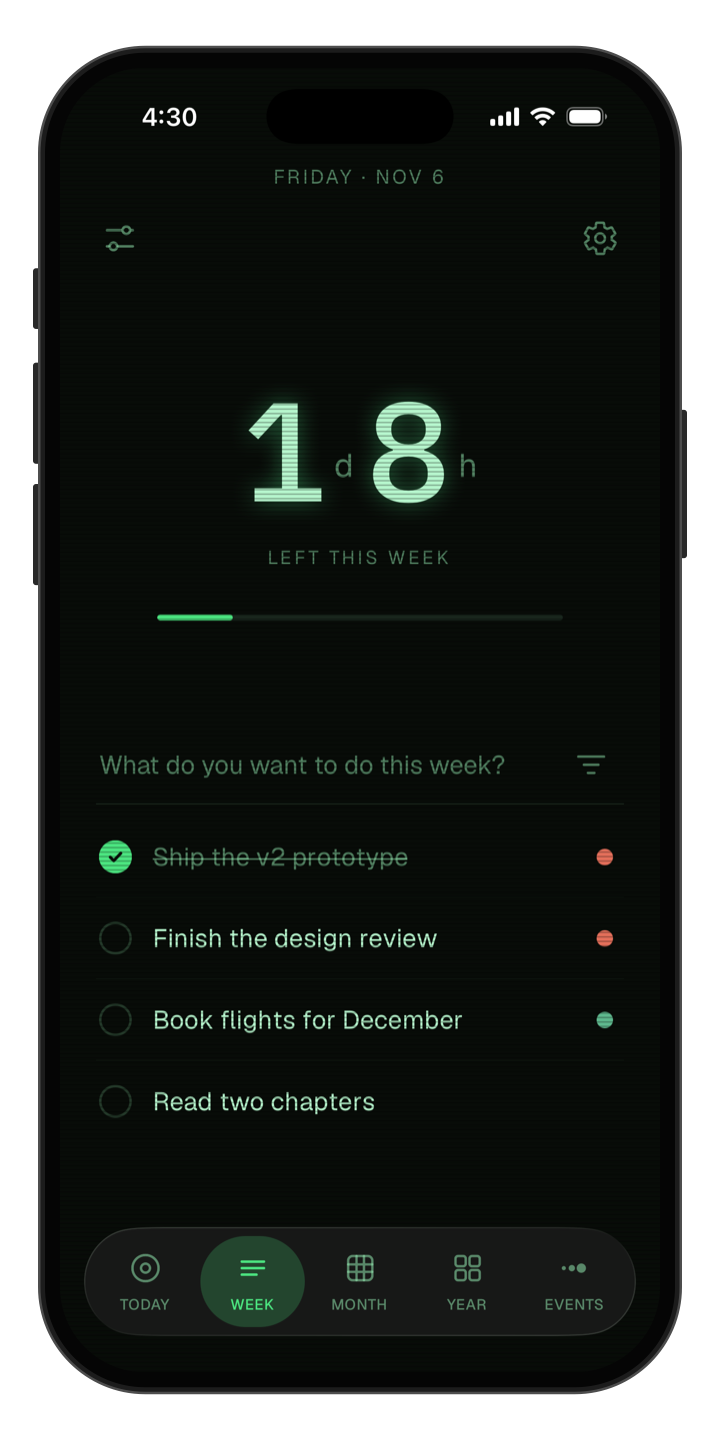
Make your week feel less like a blur
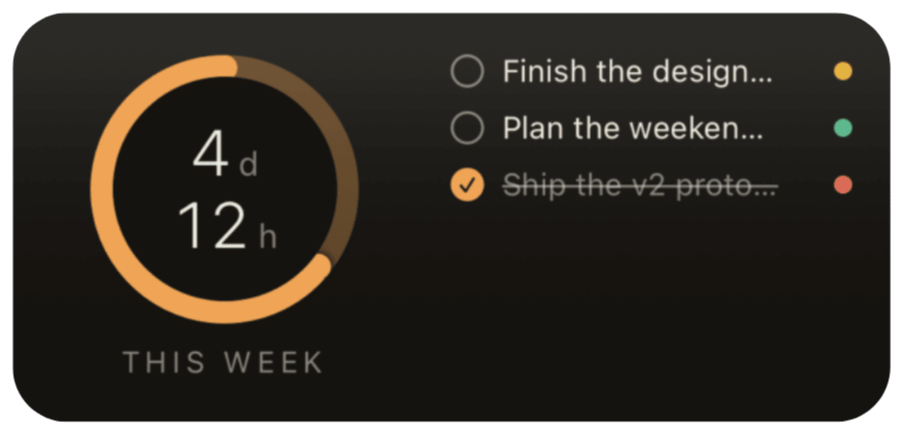
See how many days and hours are left in your week, with goals that last all week long.
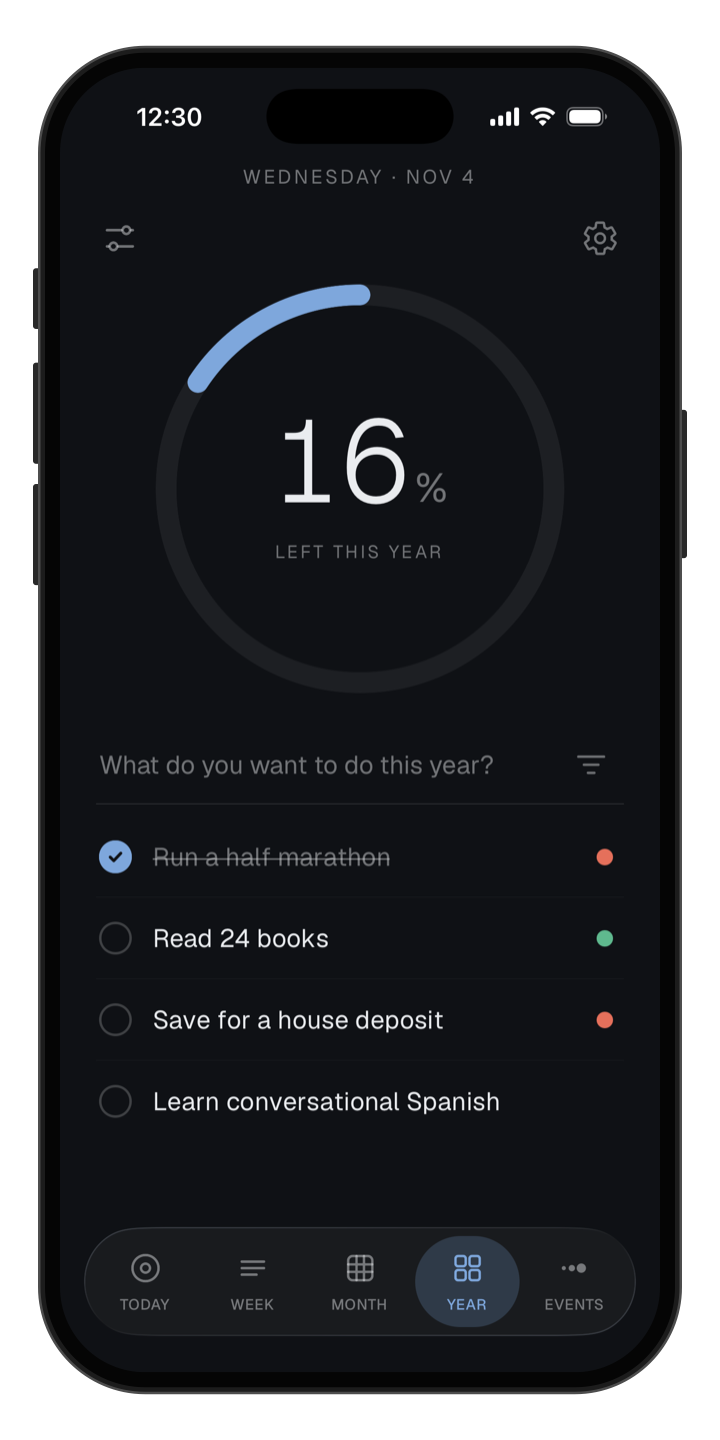
Keep your New Year’s goals all year long
Set goals for the year and see them every time you check how much of it is left.
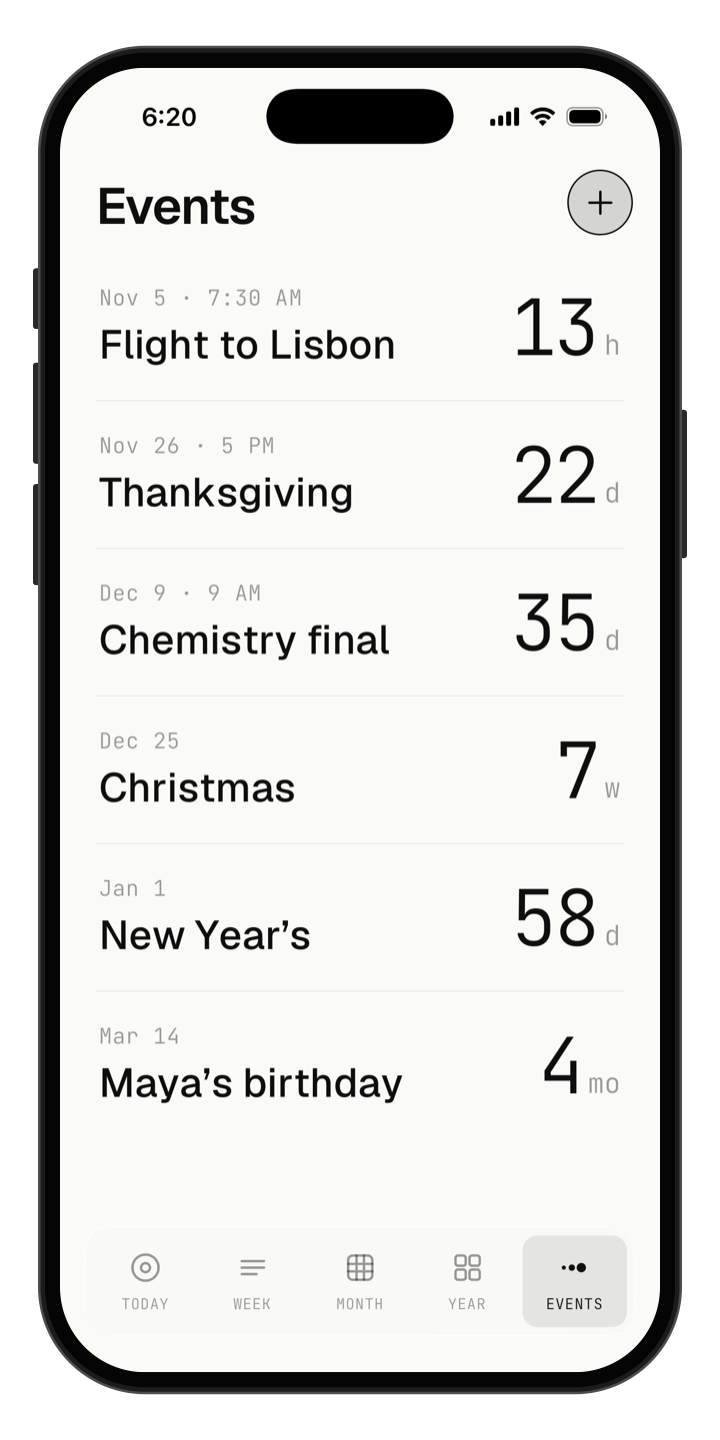
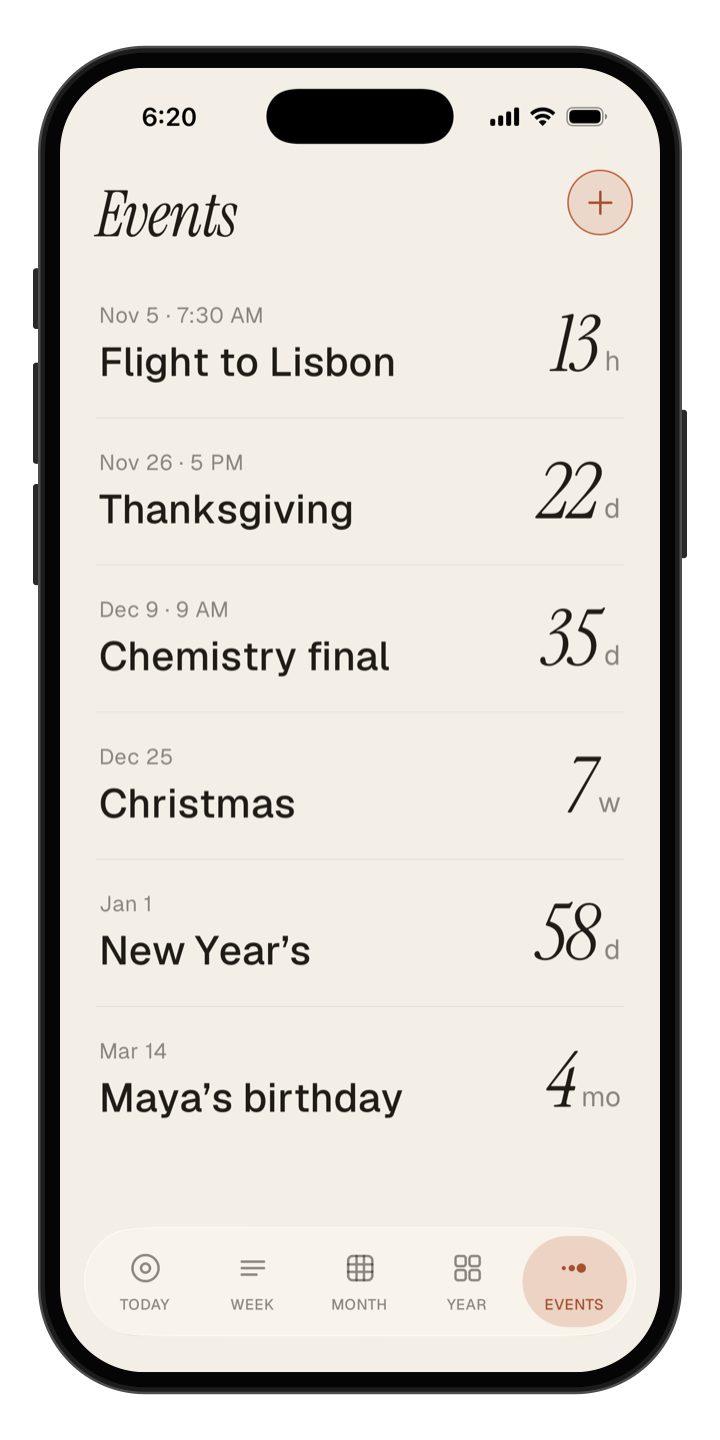
Never get caught off guard by a deadline
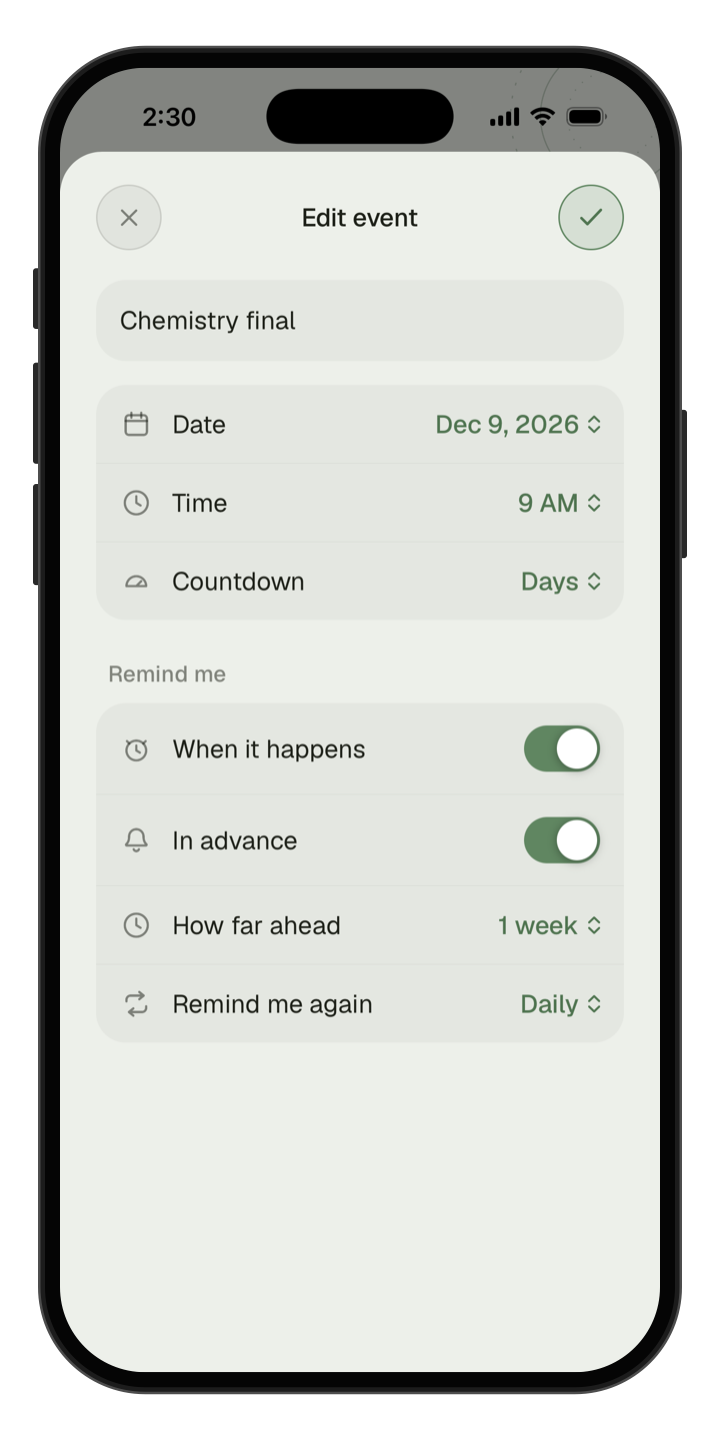
Count down to exams, trips, birthdays, or anything with a date.
Get gentle nudges, not stressful alarms
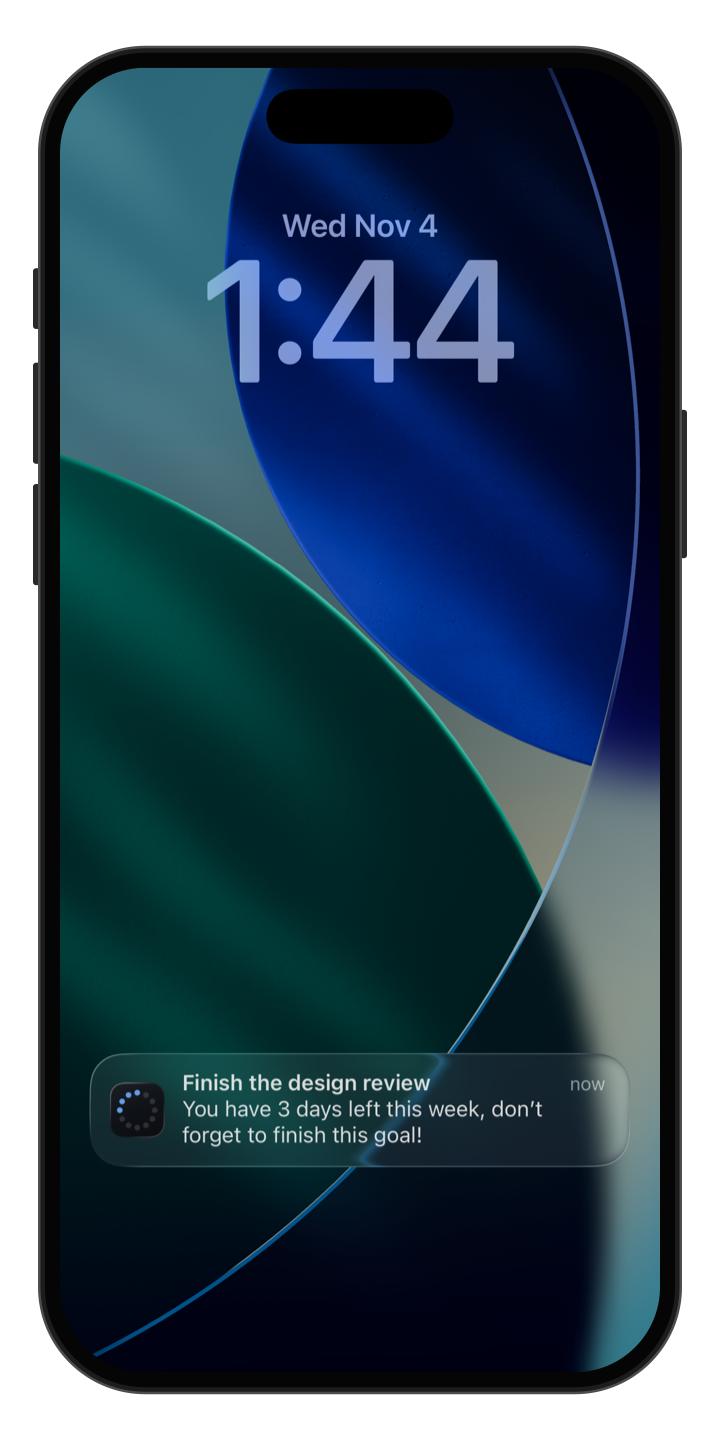
Set a reminder on a goal or event only when you want one. Otherwise, TimeLeft stays quiet.
Check your time without opening an app
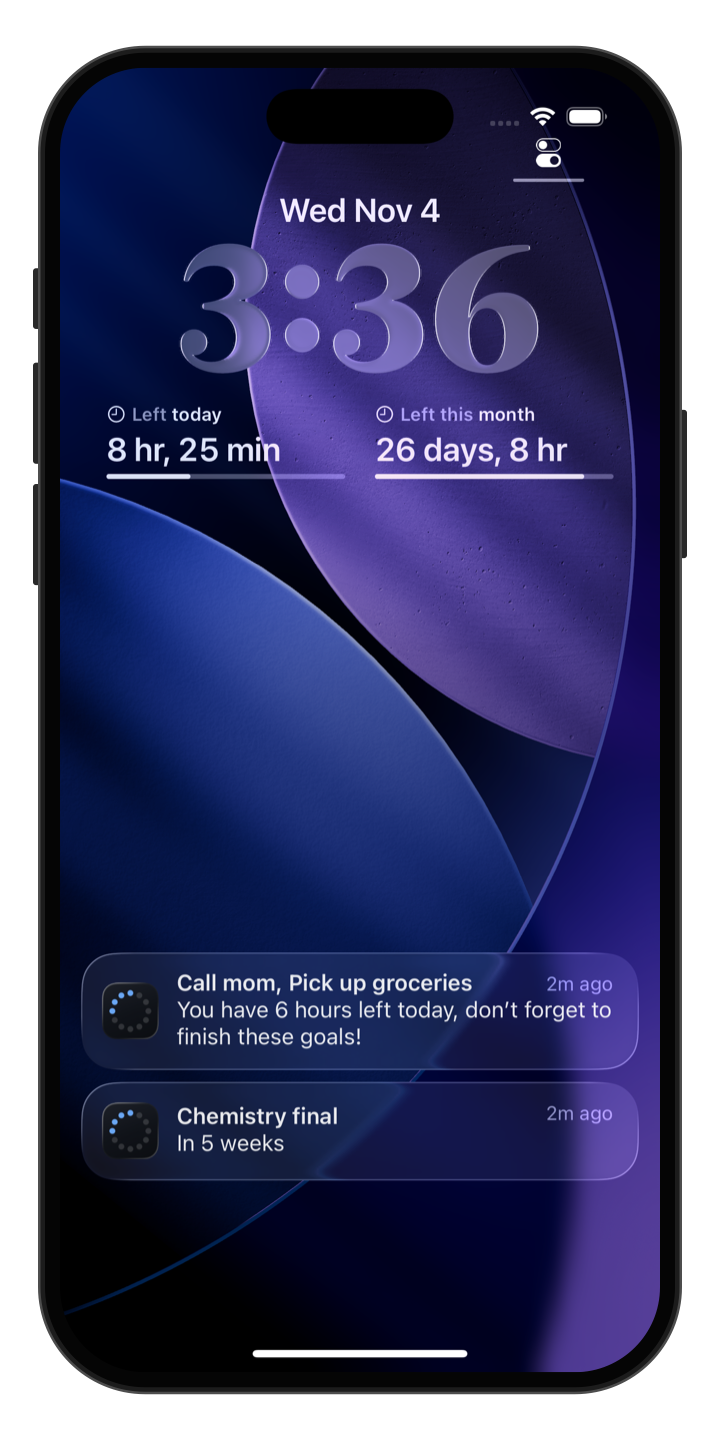
Add TimeLeft to your home screen or lock screen and see your countdown every time you pick up your phone.
Widgets are available on iPhone.
Pick the countdowns you care about most
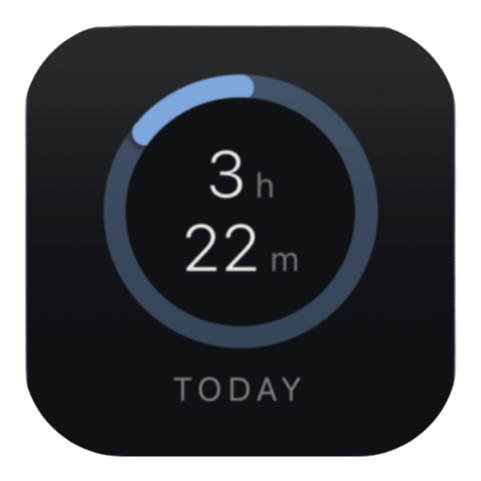
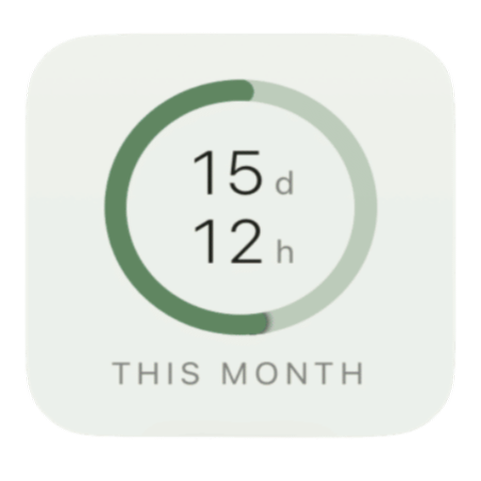
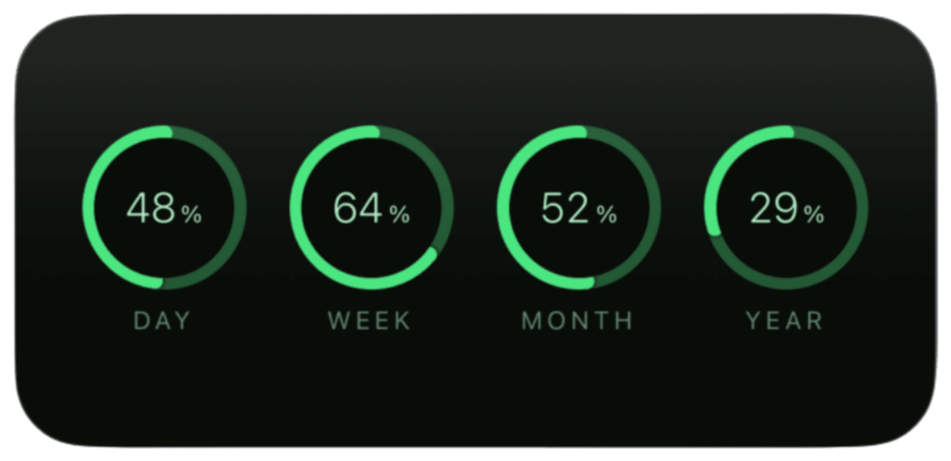
Choose widgets for today, this week, this month, or this year, or see all four at once with Overview.
Widgets are available on iPhone. Week, month, and year widgets come with Pro.
A little perspective every day
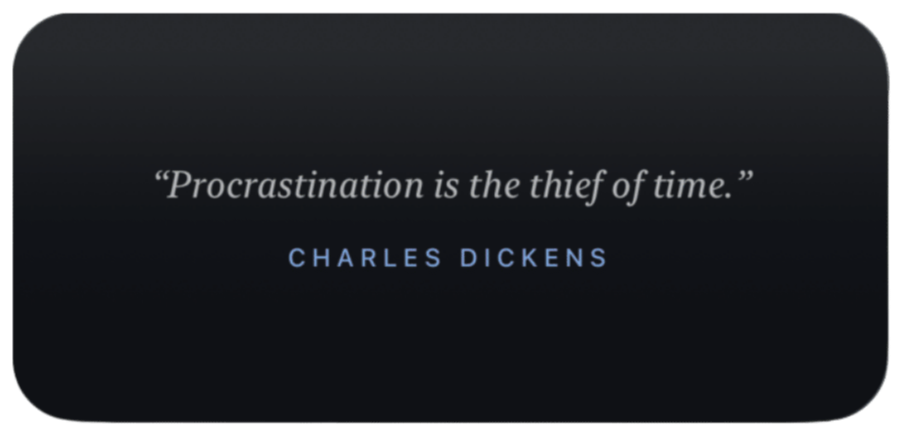
A short quote about time shows up in the app and on a widget, a gentle nudge toward what matters.
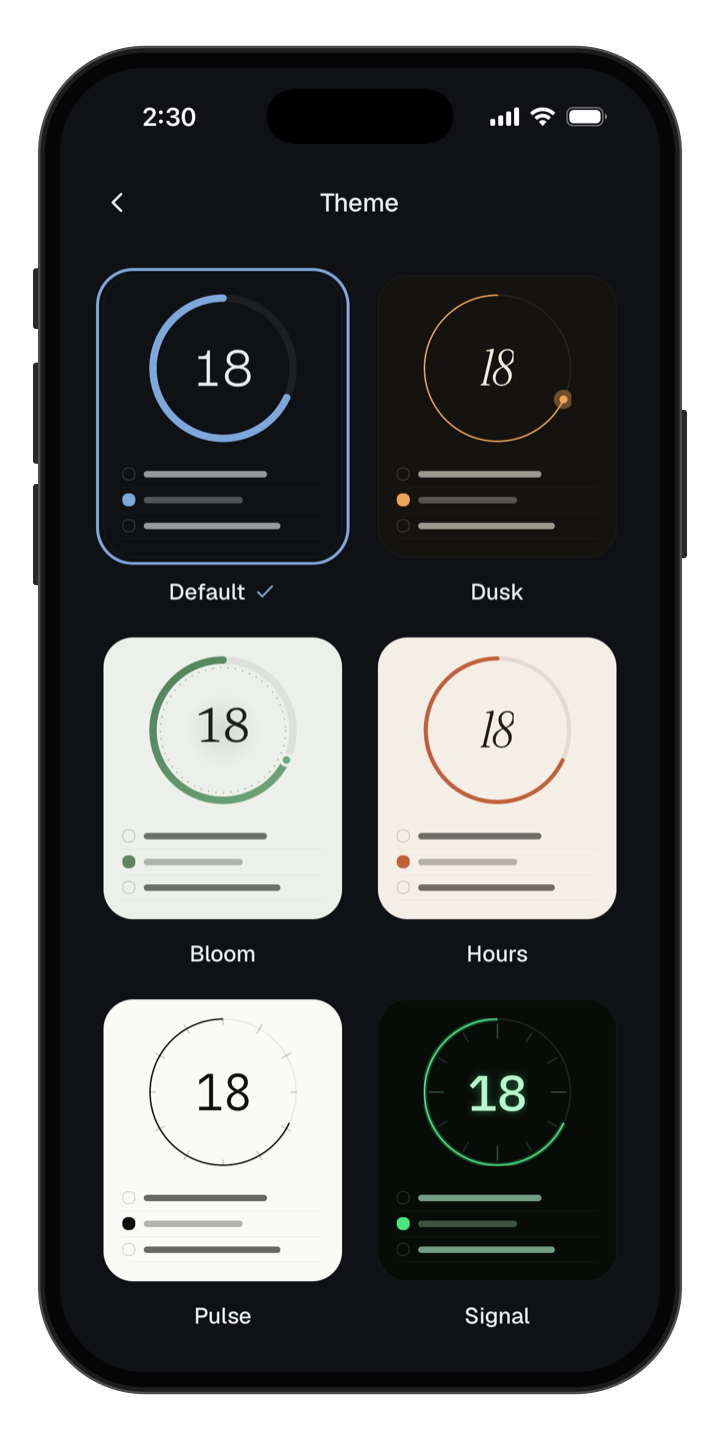
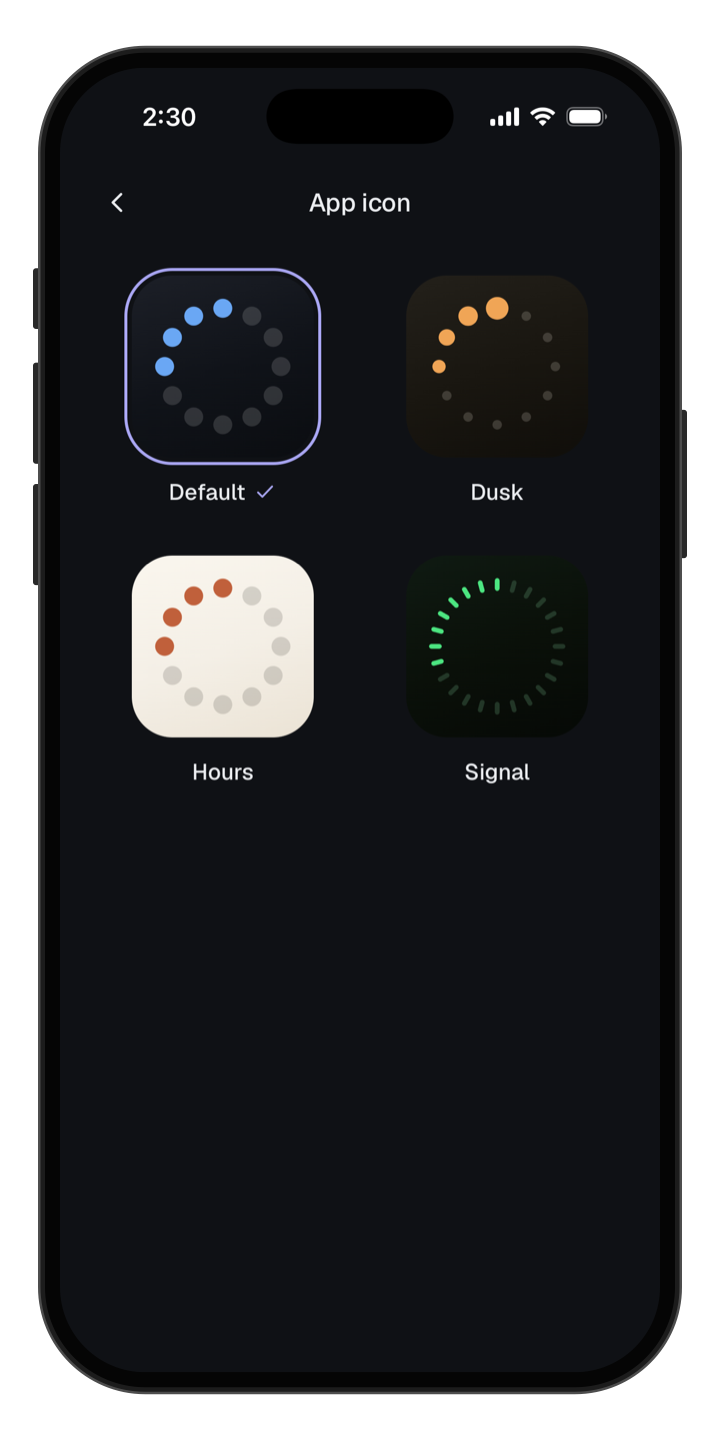
Make it look the way you like
Choose from six themes, three dark and three light, and give your home screen a new app icon to match.
Extra themes and app icons come with Pro.
Questions
Is TimeLeft free?
Yes. TimeLeft is free to download and use. You can upgrade to Pro later if you want more goals, widgets, and themes.
Won’t watching time tick down stress me out?
It’s made to feel calm. There are no alarms and no rush. You just look when you want to.
I already use a calendar. Why do I need this?
A calendar shows when things happen. TimeLeft shows how much time you have left. They work great together.
Do I have to set anything up?
No. Open it and your countdown is already running. Goals and events are there when you want them.
Is my data private?
Yes. Everything stays on your phone. There’s no account and nothing to sign up for.
Does it work on Android?
Yes. Home and lock screen widgets are iPhone-only for now.
“It is not that we have a short time to live, but that we waste a lot of it.”
Your time is already counting down. Start using it.
Free to download. No account needed.